SQL Server, Power BI, and other Business Intelligence and data technologies

Tag: SSIS

Importing Cisco Call Data into SQL Server with SSIS

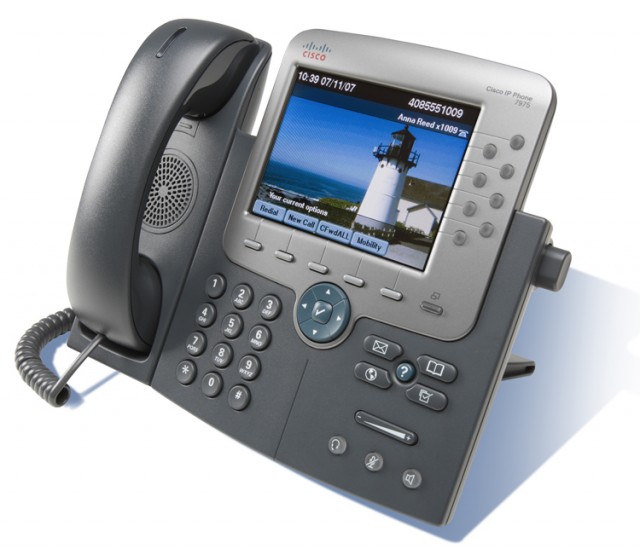
cisco_phoneRecently, I had the need to analyze phone call data to answer questions such as how many phone calls were received in a given day and how frequently voicemail answered instead of a live person.  In this scenario, I was fortunate enough to have a fairly accessible phone system to work with — a Cisco UC520.  While this guide is specific to working with a Cisco UC520 device, most Cisco phone systems (the UC series or anything utilizing CUE/CME) should be pretty comparable.

So, you want to be able to analyze Cisco call data?  Well, you’re in luck!  There are three major steps to this process:

  1. Extract raw call data from the phone system
  2. Capture the exported data and interpret it
  3. Insert it into SQL Server and perform reporting

This won’t be a complete step-by-step guide, but I’ll try to hit all the high points and am always open to questions.

Continue reading

Geocaching Analytics – Part 4: GCInsight Visualizations with Power Map

Geocaching Analytics – Part 4: GCInsight Visualizations with Power Map

Previously, we used various tools to download a copy of our Geocache data from geocaching.com and use a one-time SSIS package via the data import wizard to import that data into a SQL Server database.

Now the fun begins and we can play with some visualizations!  First up, we’ll play with Microsoft’s brand new Power Map functionality for Microsoft Excel.

Power Map is part of the suite of tools which Microsoft has named the Power BI suite.  The Power BI tools, such as Power Map are available in two flavors — on premise and cloud-based as part of Office 365, both of which utilize Excel 2013 Professional Plus.

One interesting note is that Microsoft is attempting to drive traffic to the Office 365 subscription flavor of Power Map over the standalone version.  As such, the standalone version is technically called “Power Map Preview for Excel 2013” but the functionality is the same between both.  The standalone version was originally to be time limited and stop functioning after 5/30/2014, but that limitation has since been removed.

First thing’s first — ensure that you have Power Map (or Power Map Preview) downloaded and installed.  After installing, we’ll need to go into the Excel addins and enable it (as well as PowerPivot which is another tool we’ll use for managing our data)

Continue reading

Geocaching Analytics – Part 3: GCInsight Data Preparation

Geocaching Analytics – Part 3: GCInsight Data Preparation

At this point, we’ve gotten our data downloaded from the Geocaching.com website and we’re sitting on a local treasure trove of data…but the data is contained within a proprietary program (GSAK) which limits our ability to make use of the data.  So, it’s time to work on extracting the data and getting it into a usable format.

The GSAK application will be our primary data source for acquiring Geocaching data as well as future updates to the data.  That being said, the data is not particularly easy to work with in its GSAK format.  Fortunately, GSAK stores its geocache data in a SQLite database, which is a compact database which runs as an application on command rather than a service.

In order to fully utilize the data, we’ll be building a process to export the GSAK data from SQLite into a SQL Server database.  Once the data is exported to SQL Server, we can perform any number of transformations and summarizations.

Continue reading

Getting Started with US Census Data

Getting Started with U.S. Census Data

U.S. Census QuickFacts data is an amazing resource which is available to the public free of charge.  This treasure trove of information is an incredibly useful resource for performing many different types of analysis involving where people live in the United States as well as other demographic information, all of which is broken down by county and state.  While U.S. Census QuickFacts data is available and summarized from multiple sources throughout the Internet, the U.S. Census Bureau makes the information directly available only via flat text files on their web site.  Fear not!  Without too much effort, we can take those flat files and import them into a transaction data source.

In this post, I’ll be covering the process of downing the U.S. Census QuickFacts data from their website (currently data from the 2010 census) and importing it as new tables into an existing SQL Server database using SQL Server Management Studio and a little bit of Microsoft Excel.  I’m using SQL Server 2012 and Microsoft Excel 2013, but any recent version of both should work.

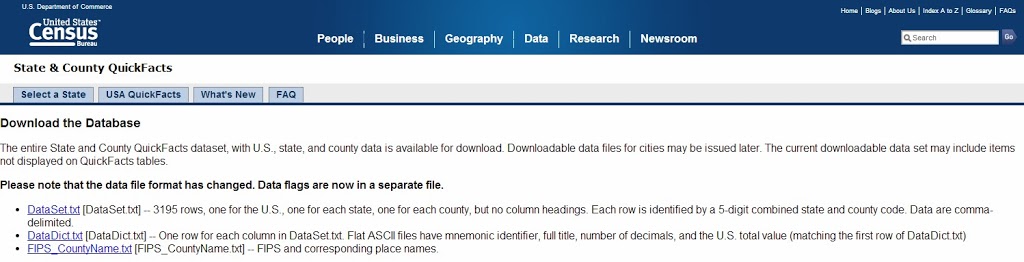
The first step in using U.S. Census QuickFacts data is to download it.  This can be done via the U.S. Census Bureau Website at which there are three files of interest:

  • DataSet.txt — the actual census data in a CSV file
  • FIPS_CountyName.txt — Columns which give the codes for each country and state used within the DataSet file.
  • DataDict.txt — descriptions of what each column name represents.  This file is a useful reference, but we won’t be importing it into our database.

Start things off by downloading the three text files.

U.S. Census data available for download from the Census Bureau website.

Continue reading

SQL Saturday Recap: #232 – Orlando, FL

SQL Saturday Roundup: #232 – Orlando, FL

For my 9th SQL Saturday, I decided to head to the source and attend the one that started it all — SQL Saturday Orlando.  SQL Saturday started in November of 2007, led by Andy Warren, Brian Knight, and Steve Jones.  Thanks to the Wayback Machine, you can see the original event’s main page and schedule page preserved in their original form…oh, how things have changed!

To begin the weekend for SQL Saturday 232, I attended Tim Mitchell’s (B | T) Pre-Con session:  Real World SSIS: A Survival Guide.  The session was hosted in a meeting room of the host hotel and had a pretty good turnout.  Tim provided a fantastic overview of his 7 tips for SSIS techniques in the real world complete with numerous demos.  I found the session overall very well organized and informative, though I did have difficulties at time as I don’t currently use SSIS nearly as deeply of frequently as others.

After a great day of learning about SSIS survival tips, it was time to get some rest in preparation for a full Saturday of learning.  SQL Saturday 232 was held on the campus of Seminole State College in Lake Mary, FL.  The event itself was well-organized with good signage and ample parking.  Upon check-in, in addition to the usual name badge, each attendee was given a branded USB drive, which was a nice touch, and a t-shirt (though these were on a separate table and easy to miss)

As always, deciding which sessions to choose from the vast array of great choices was difficult.  Ultimately, I decided on a good mix of BI topics, with a mix of general troubleshooting and professional development as well.  A few of my favorite sessions for the day were:

Continue reading

A Day of Data Warehousing…and Pie!

A Day of Data Warehousing…and Pie!  

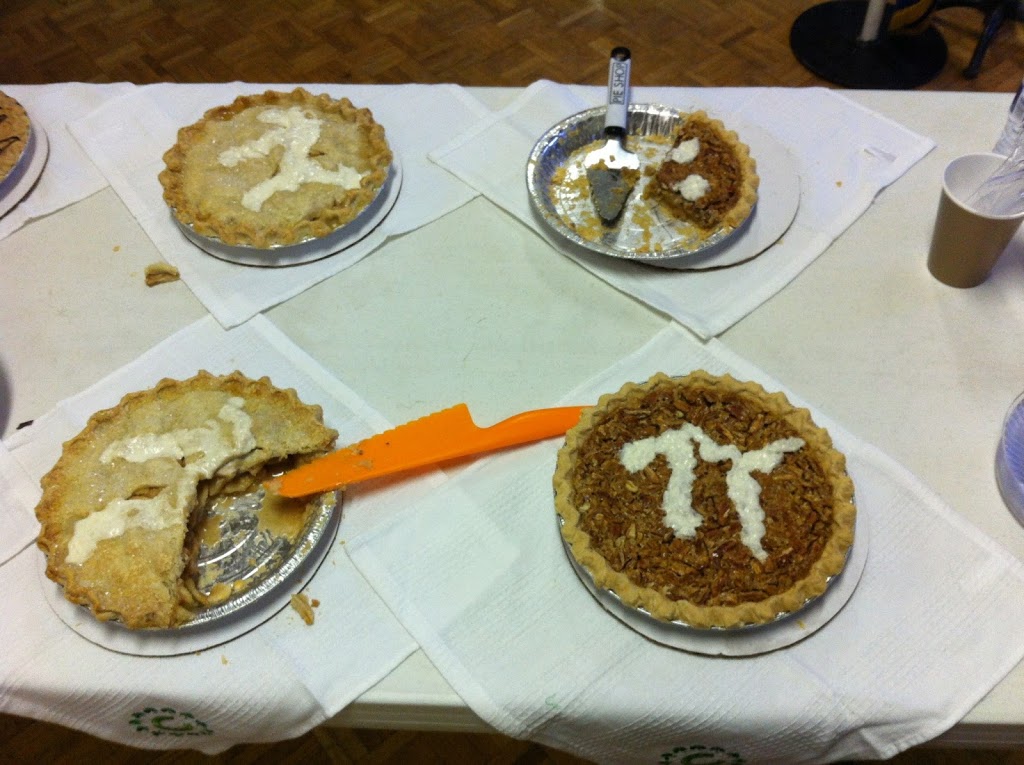
What better way to celebrate Pi day than by learning data warehousing fundamentals from two experts in the field?  I can’t think of one!

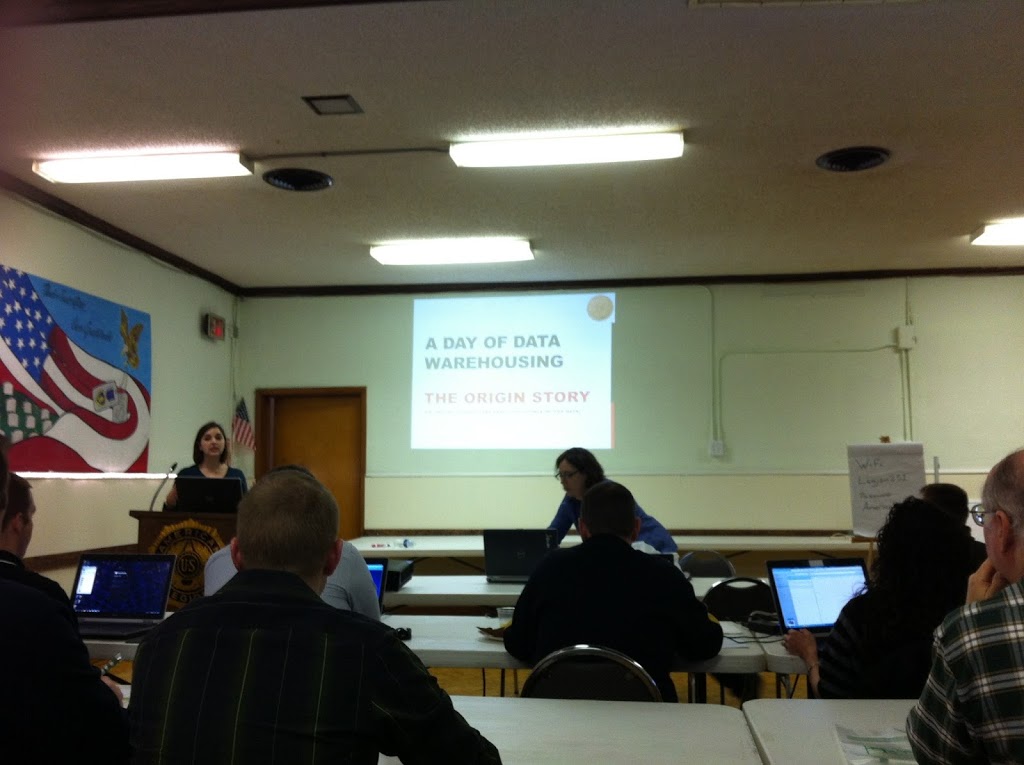
Audrey Hammonds (B | T) and Julie Smith (B | T) of DataChix.com very generously decided to host a standalone day long class on the subject of Data Warehousing.  As if getting to participate in a day of training for such a low price weren’t great enough, on top of all that they dedicated all proceeds from the class to The Cloverleaf School.

The event was modeled after a SQL Saturday pre-con, however, it was a standalone event not attached to a SQL Saturday.  Even without having a SQL Saturday to bring in the crowds, the attendance was great and far better than I expected!  Just about the right balance of having enough people to form a true class, but not too many people that you’re lost in a sea of faces.

The logistics of the event were very well organized.  The venue (the American Legion Post) was easy to find with easy parking.  Upon arriving, check-in was quick and easy and a nice breakfast was available.  The volunteers from The Cloverleaf School did a great job coordinating everything.

Audrey and Julie basically worked the scenario of a pie business with no infrastructure moving through the process of growth and implementing a data warehouse with regular ETL.  They essentially divided the material into two sections:  database concepts and data warehouse design (Audrey) and ETL/SSIS (Julie).  This format worked out well as a representation of what happens with job roles in the real world and they had great and entertaining banter between the two of them.  I particularly enjoyed Audrey’s exercise in data modeling.

For lunch, what would be more appropriate on Pi Day (3/14) than of course, Pizza Pie and various dessert pies?  They were a hit!

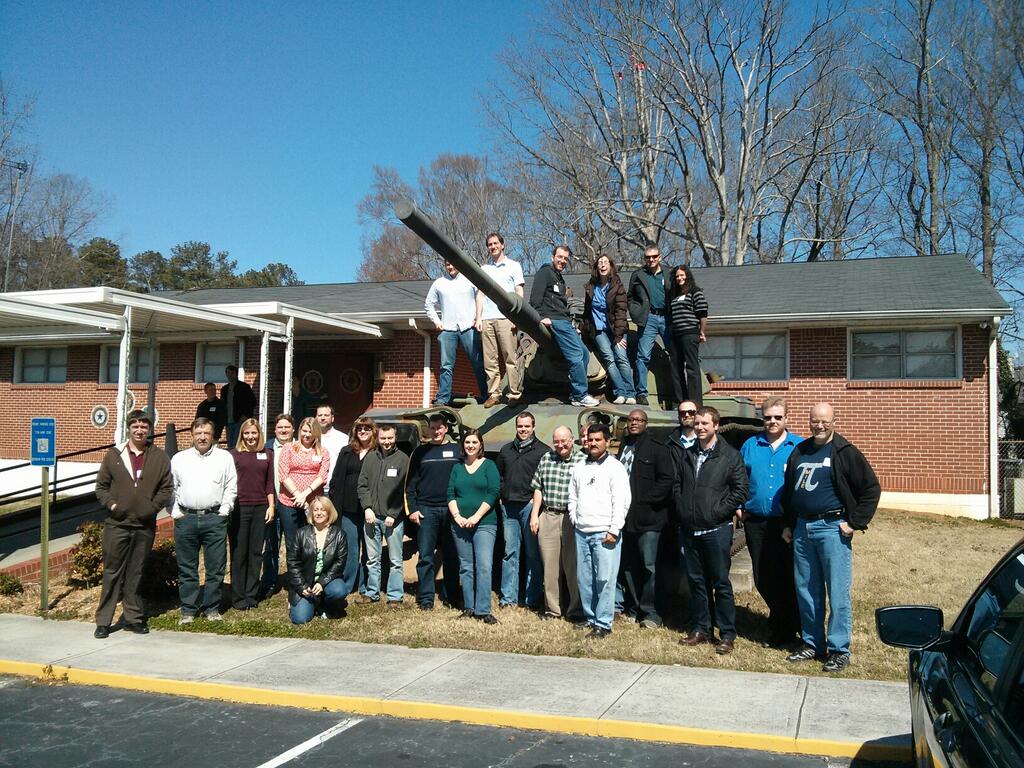
After lunch, we took a moment to pose for a group photo by the tank, because hey, there’s a tank, why not pose for a group photo on it?

All in all, I felt the class was a great experience and I was very happy with the time spent.  Not only was it for a great cause, but I got to meet some new people in the community and of course learned a lot.  While I’ve learned about the various components in a full BI system, this is one of the first resources that has done a good job of tying them together from start to finish and painting a complete picture.

As an organization that currently runs the majority of business functions from an OLTP database with SSRS pulling data directly from the OLTP database, I am very interested in learning how to properly design and implement a data warehouse, ETL data into it, and leverage the data in interesting ways with SSAS and the variety of other tools that can illuminate an OLAP data source (SSRS, PerformancePoint, Power View, etc).  Stay tuned for more as I kick off that adventure!
© 2026 Jeff Pries

Theme by Anders NorenUp ↑