 With all of my driver, aesthetic, and networking issues worked out in previous parts, it was time to get down to business. After all, I’m going to have to do some work from this laptop at some point, right? And in the Microsoft Business Intelligence world, that means I’m going to need SSDT-BI (SQL Server Data Tools – Business Intelligence). As of this writing, the current version of SSDT-BI is still based on SQL Server 2014 32-bit with the Visual Studio 2013 Integrated shell. It’s expected at some point, with the release of 2016, there’ll be a new and improved version more tightly integrated into Visual Studio 2015, but for now, if you want to edit SSRS projects, this is the way to go.
I started out by downloading the currently release of SSDT-BI, which is 32-bit only (regardless if you’re using a 64-bit machine).
I encountered my first minor hurdle during the initial install. Since SSDT-BI is based on SQL Server 2014 32-bit, it doesn’t play nice with SQL Server 2014 64-bit. I wasn’t thinking clearly and when presented with the option to “Perform a new installation” or “Add features to an existing instance,” I first tried to add features and the installer yelled at me for having an incompatible installation already in place (SQL Server 2014 64-bit). So the correct answer is Perform a new installation, which will put these 32-bit components side-by-side with any existing 64-bit components.
After selecting the right installation type and checking the box for the SQL Server Data Tools – Business Intelligence for Visual Studio 2013 shared feature to install, I thought I was on easy street. Boy was I wrong, the fun was just beginning. While the installer was running, it eventually failed with this error:
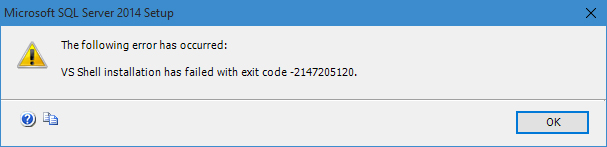
SSDT-BI Install Error – VS Shell Installation has failed with exit code -2147205120
That’s not good. I immediately tried all the basic IT things before going deeper. I rebooted and retried the installation, this time running as administrator. Same error. Time to go deeper.
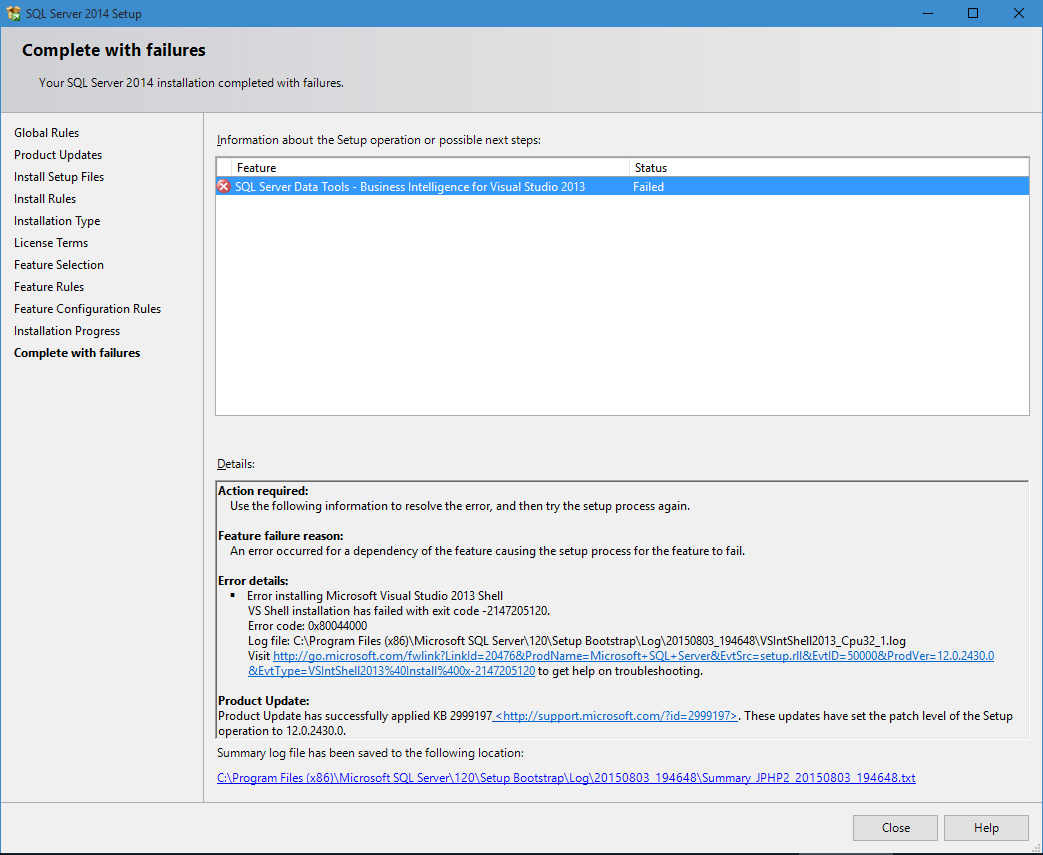
Following the error dialog is more detail regarding the error. To any developer that writes an installer that includes the option to view detailed log files….THANK YOU.

SQL Server Data Tools – Business Intelligence for Visual Studio 2013 installation completed with failures
Continue reading