 SQL Server Reporting Services (SSRS) has excellent geospatial support for displaying data on a map. Maps are typically created using ESRI Shapefiles (.shp files). These Shapefiles are typically created with complex GIS software and made available for download (sometimes free and sometimes not) to be used. Additionally, SSRS has an excellent default set of Shapefiles built in for the US which can show the country, states, and individual counties.
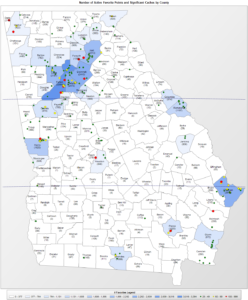
Example of SSRS Shape File showing Georgia and its 159 counties.
But what about when you need more flexibility in your geographic display? Some examples of this may be wanting to display something that you can’t find a shape file for (maybe all the states and provinces in North America) or maybe you want to dynamically draw the geography based on some property of the dataset. Geospatial data queries to the rescue! Using SQL Server’s native geospatial support, a geospatial query can be created to return something as simple as a point or rectangle, or complex as the geography of an entire country and all of its rivers.
Getting all of the latitude and longitude coordinates to create a useful geospatial query could potentially be an enormous amount of work. Fortunately, that work has already been done in a freely available resource, thanks to Natural Earth and Laurent Dupuis. SQL Server 2012 or greater is recommended for this process.
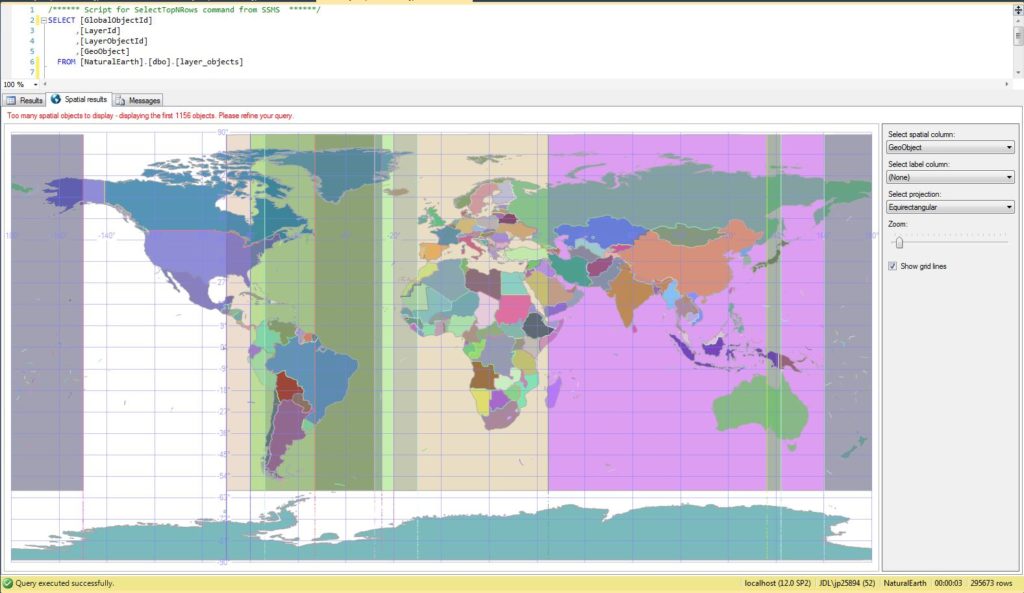
Example of a geospatial query, shown in the SSMS results pane, based on the imported Natural Earth data.