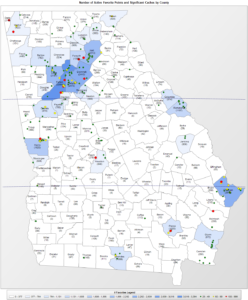
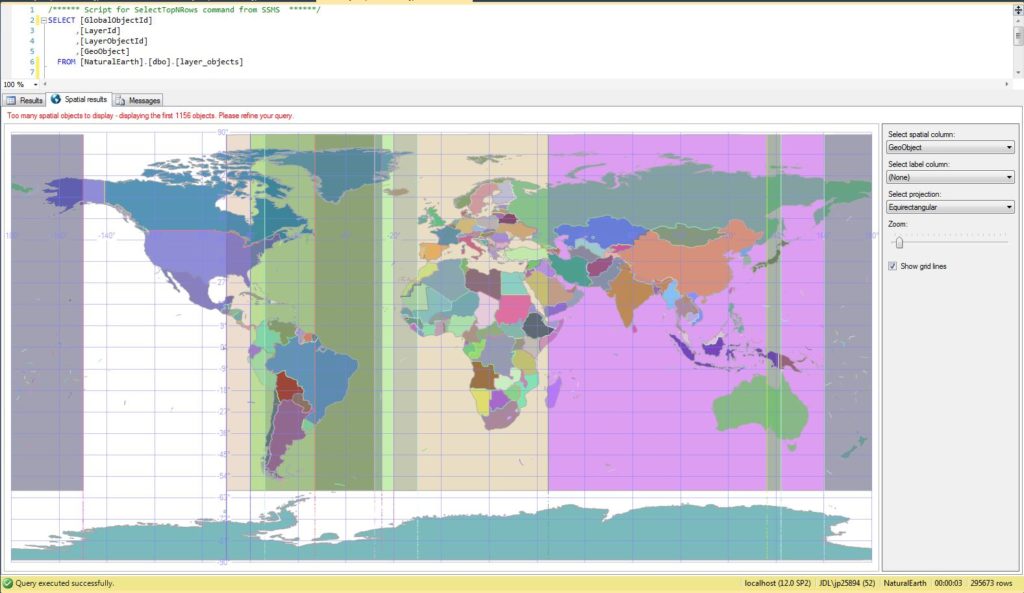
 In my previous article, I covered creating geospatial SQL Server tables using the freely available Natural Earth resources. Natural Earth is an extensive public domain map dataset available at 1:10m, 1:50m, and 1:110 million scales in vector and raster data formats which can be used as an alternative to ESRI Shapefiles for geospatial data. In this article, we’ll be creating a simple SQL Server Reporting Services report which utilizes this spatial data in lieu of the more commonly used shapefiles to plot data on a custom map.
To get started, we’ll first need to create some assets. Follow the steps in the previous article to setup the Natural Earth tables. Next, we’ll create some views to simplify queries, then we’ll create a report using these assets as well as some sample data.
 After installing SQL Server Reporting Services (SSRS), are you receiving an Error 404, Error 400, “Invalid Request” error, or “Bad Connection” error on first visiting the SSRS web portal (the error message seems to vary based on version, browser, and whether accessing via http/https or /reports vs /reportserver) ?